
Parking Master: Urban Challenges
Table of Contents
Summary
Parking Master: Urban Challenges might not have the adrenaline rush of a drifting game where you’re running walls, but it’s easily one of the best parking simulators out there if you’re looking for something realistic to improve (or prove) your parking talents.
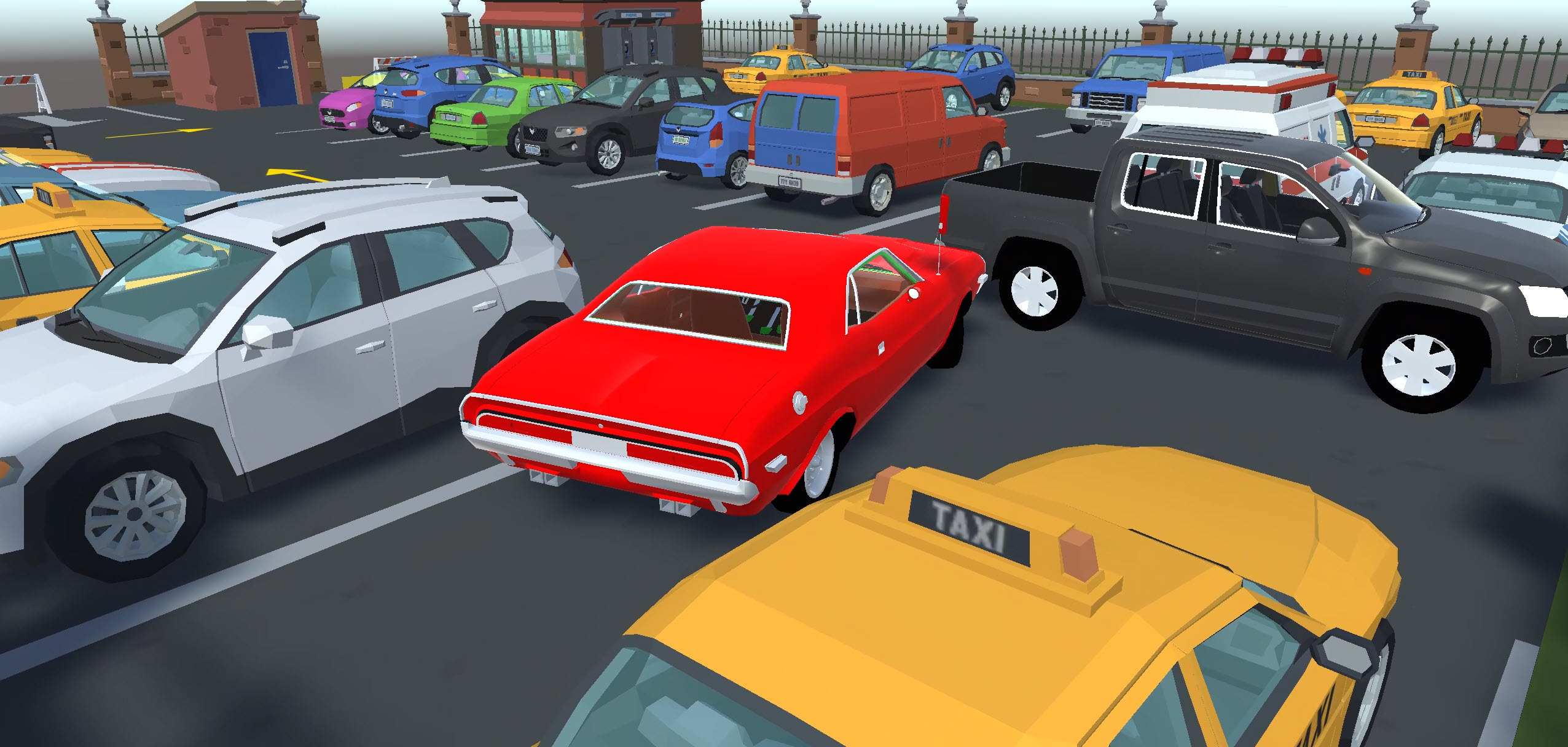
The graphics are super clean, the physics feel like you’re parking a real car, and the camera system lets you look around, zoom in, and line everything up perfectly instead of just guessing and hoping for the best.
There are 18 levels on offer, each with three parking challenges, and you’re handed the keys to a different ride for each level. One minute you’ll be whipping a nimble hatchback into a bay, the next you’re trying to squeeze a huge pickup into a space you’ll be convinced it won’t be able to fit into.
Crashing only costs a five-second penalty, and you’ll progress no matter how long you take (even if you won’t earn the bonus stars), so it’s a chill way to practice your parking skills if you’ve got your test coming up (or just prove to yourself that you can actually do it).
Features
- Release date – December 2024
- Difficulty – Beginner/Intermediate
- Levels – 18 (3 challenges per level)
- Number of vehicles – Multiple (assigned per level)
- Vehicle customization/upgrades – No
- Multiplayer – No
- Mobile – Yes (iOS and Android)
- Developer – Fennec Labs
Physics
The driving aspect of the game feels super realistic. Everything is smooth and predictable, which is exactly what you want when you’re trying to slot a car into a space that’s about two inches wider than your mirrors.
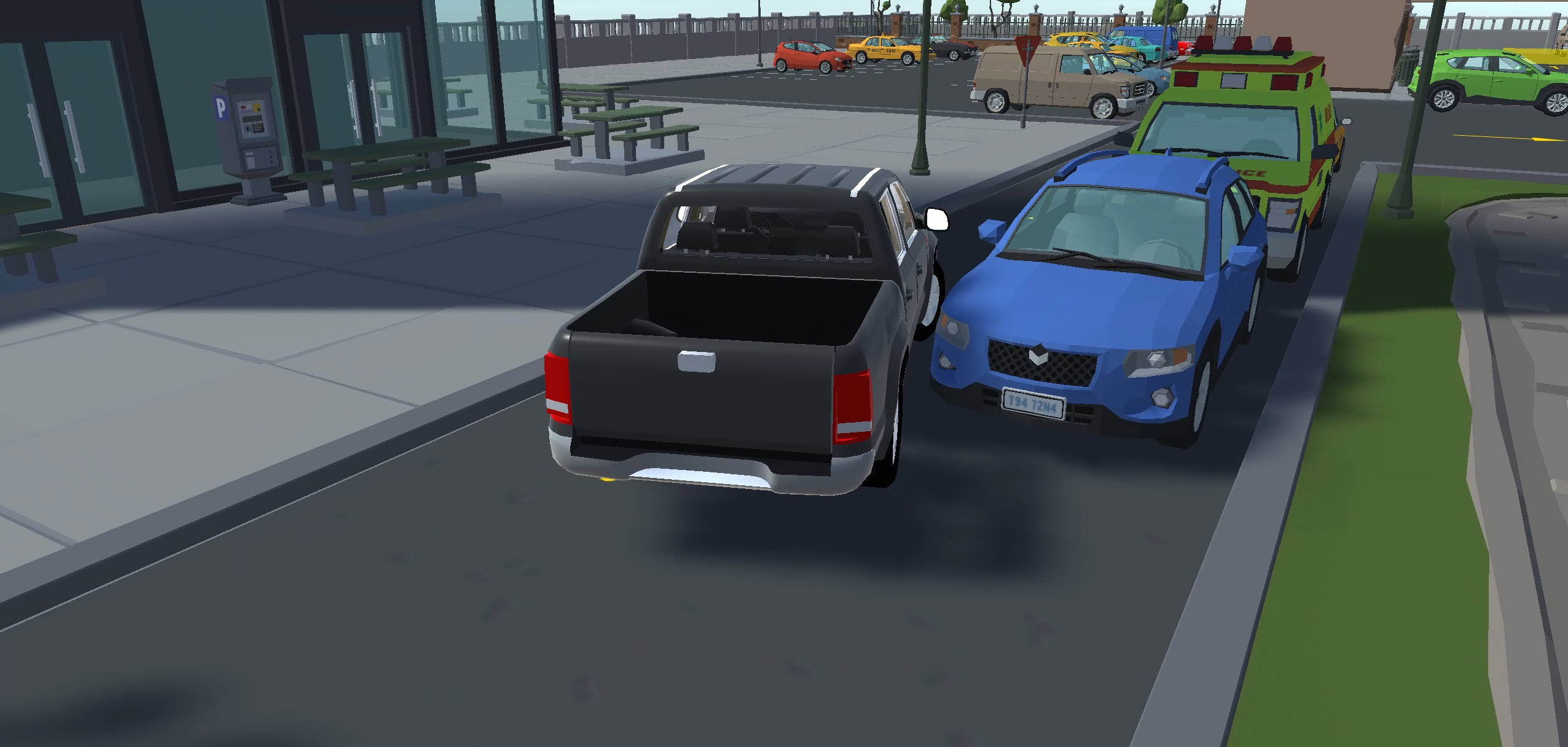
While the levels are quite “samey”, the vehicle variety keeps things interesting. You’ll start off with lightweight hatchbacks that are deceptively quick off the line, which means you can easily overshoot the parking bay if you’re not careful. The heavier SUVs, pickups, and muscle cars you’ll soon get behind the wheel of take longer to stop and are physically much bigger, so those already tight gaps become even more of a challenge.
Push the cars hard enough around the corners, and you’ll get a bit of wheel slip, though it’s more understeer than oversteer (unfortunately for us drifters). The physics sit somewhere between arcade and sim, similar to drifting games like RealDrive, which also features a selection of parking lot drifting challenges alongside its open-world traffic mode.
Graphics
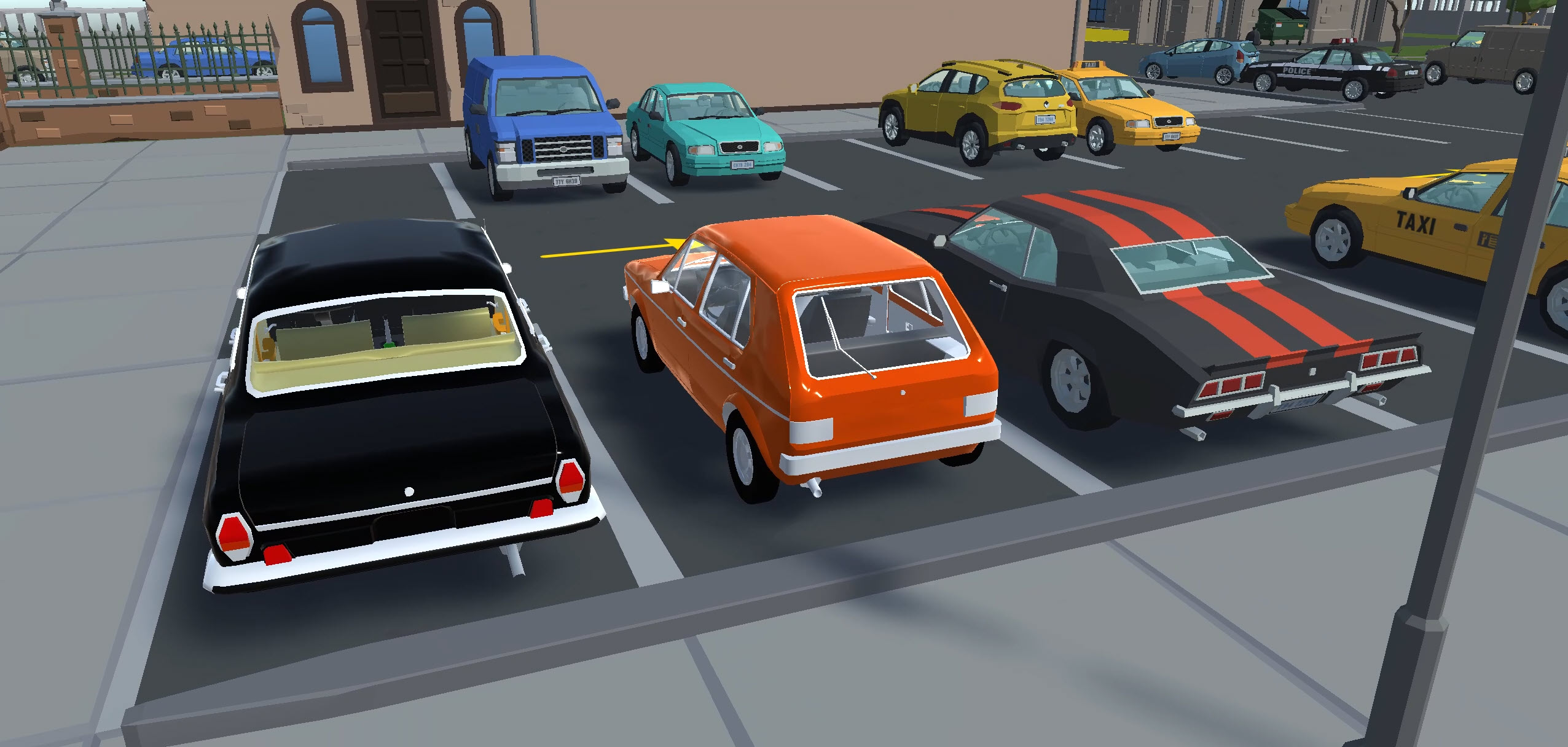
The visuals are quirky and clean, and the urban city locations often feature smaller obstacles like trees and bollards alongside the large buildings and tower blocks. As you probably guessed, there’s plenty of vehicles, too!
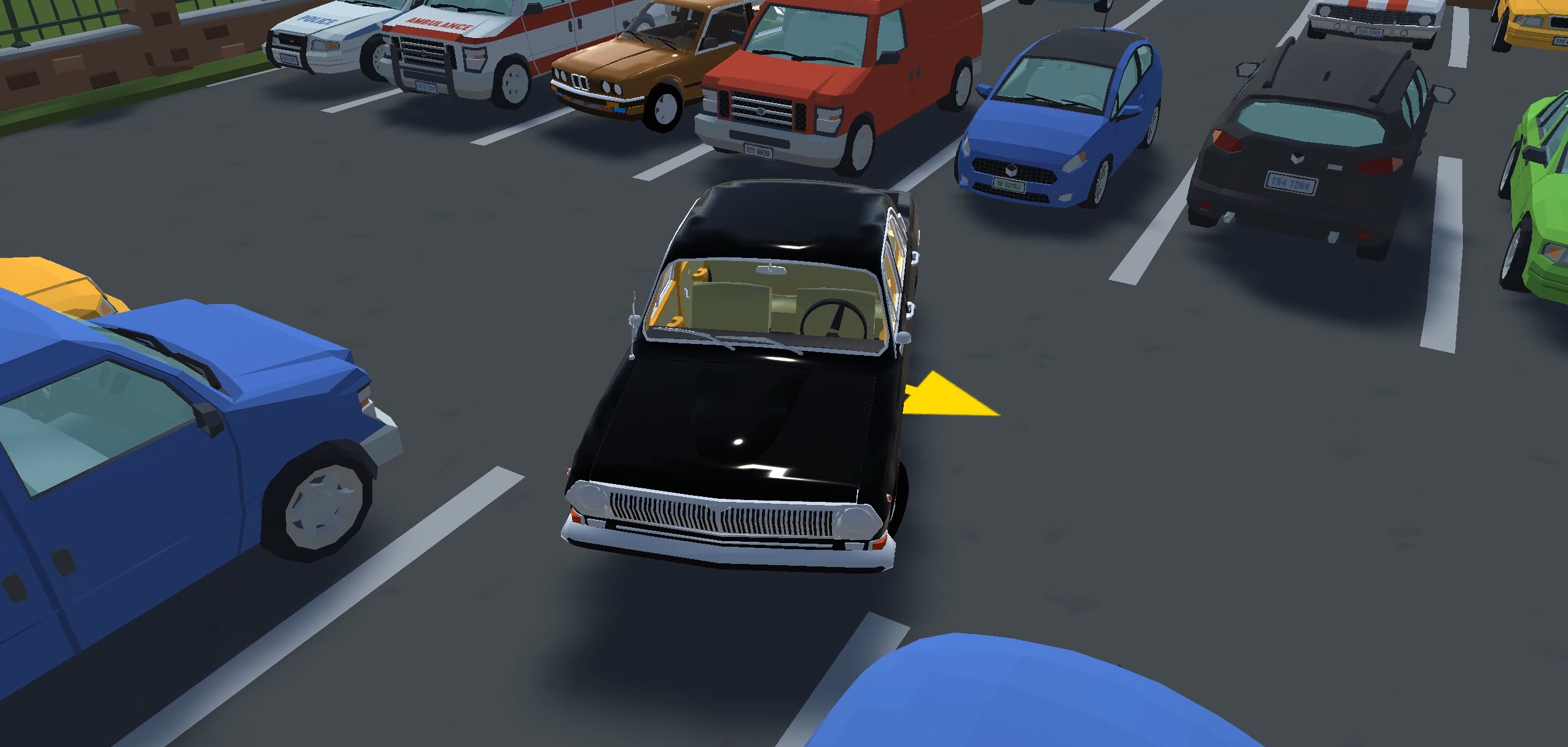
While the car models are a little blocky, it’s part of the charm, and you’ll often be able to clearly tell which cars they’re inspired by. You’ll find Euro hatchbacks, American muscle cars, old-school classics, and even some drift-ready-looking cars scattered around the busy streets.
The styling kinda reminds us of one of the most popular racing games at Drifted, Polytrack. They both have a clean, simplified look that hides their deceptively challenging physics. Now that you’ve learned how to thread cars through super tight spaces in this one, Polytrack is a perfect next pick if you want to put your skills to use on the track instead.
Controls
PC/laptop/Chromebook
- W/Up arrow – Accelerate
- S/Down arrow – Brake/reverse
- A/Left arrow – Steer left
- D/Right arrow – Steer right
- Space – Handbrake
- V – Change camera view
- ` or ~ – Menu (the key in the top-left of your keyboard)
- Shift – Zoom in (first-person camera only)
- Mouse – Look around in camera views
We recommend having one hand on the mouse and one on the keyboard so you can drive and look around for potential issues at the same time.
Mobile/tablet (iOS/Android)
- On-screen touch controls.
They’ve done a great job with the mobile controls. You’ll find on-screen buttons alongside the ability to scroll around like you would on a PC. However, we still found the keyboard and mouse combo is way more intuitive for the precision you’ll often need to land the coveted three stars on each level. Our mobile games selection has plenty more browser games that play just as well on a phone or tablet.
How to play Parking Master: Urban Challenges
Initial setup
When you load the game, you get two options: ‘Play’ or ‘Select Level’. Click ‘Select Level’ and you’ll see all 18 levels, with only the first one unlocked. Each level uses a three-star rating system tied to how quickly you complete all three parking scenarios.
Getting started
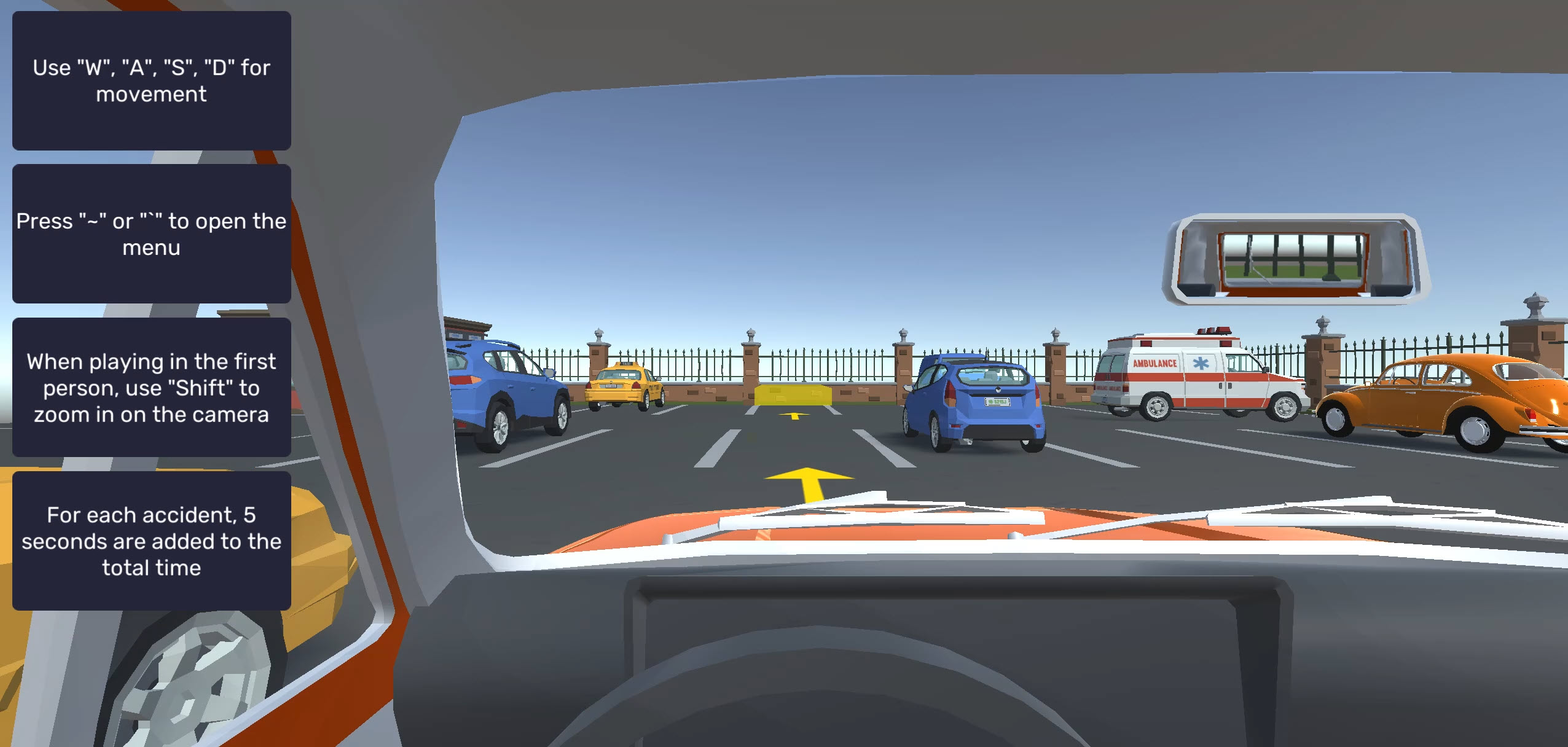
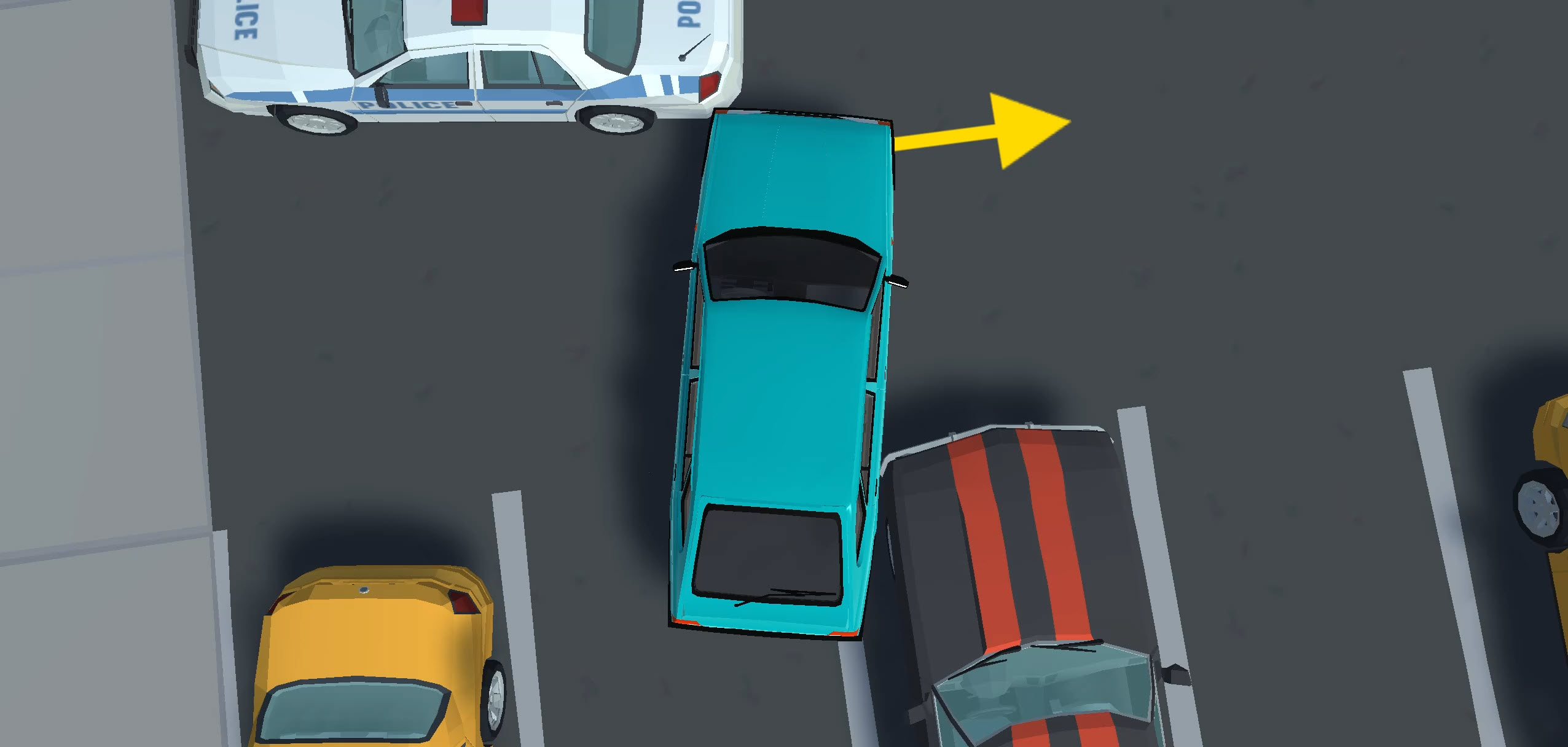
Each level drops you into a city where you’ll see arrows on the floor pointing you toward a yellow-highlighted parking bay. Follow them, then get your car fully inside the yellow-highlighted area, and come to a stop.
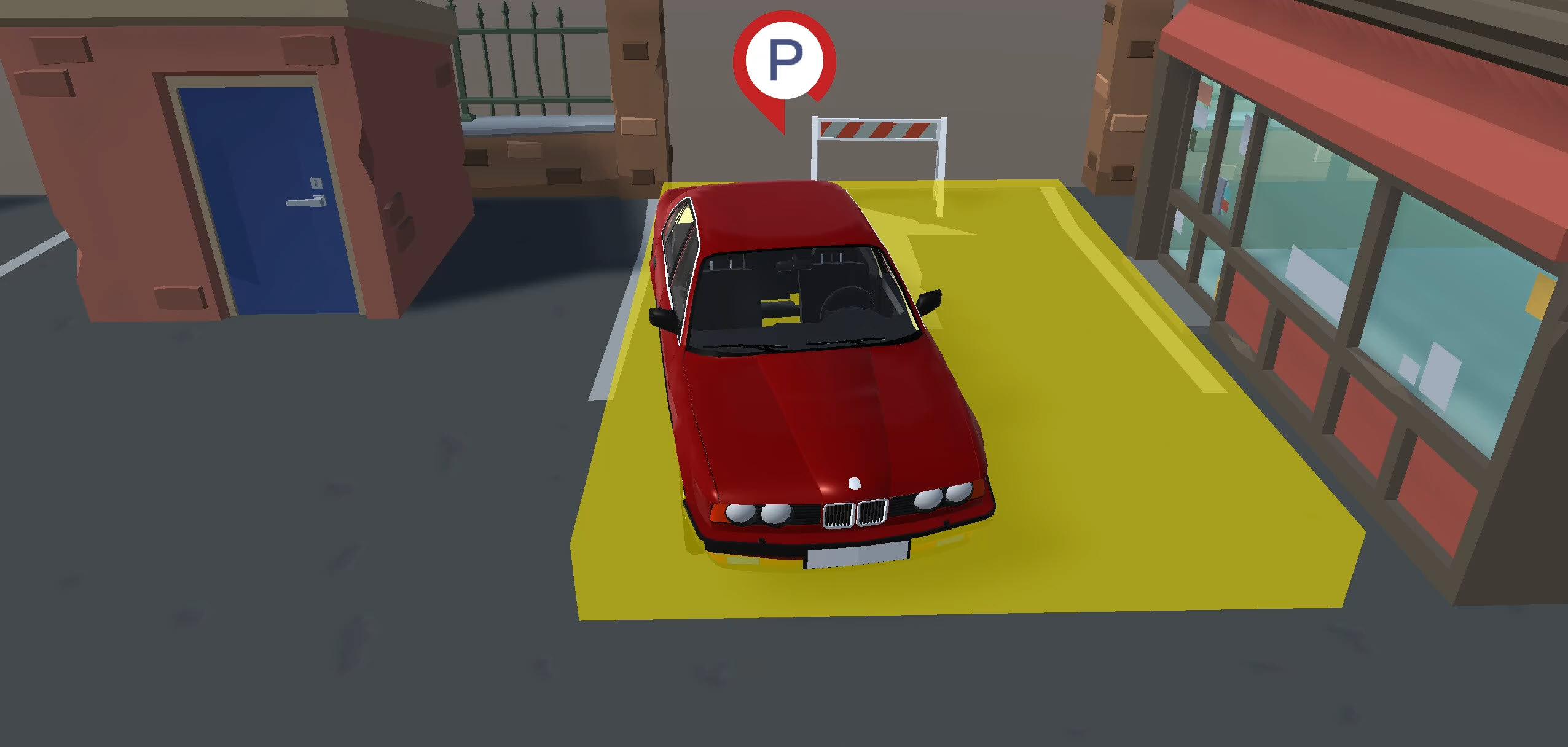
Once you’re stationary inside the zone, a ‘P’ icon appears at the top of the screen with a red loading bar that fills up. Stay still until it fills completely and turns green, and the scenario is complete. You’ll need to do this three times per level to progress, with different vehicles and parking setups each time.
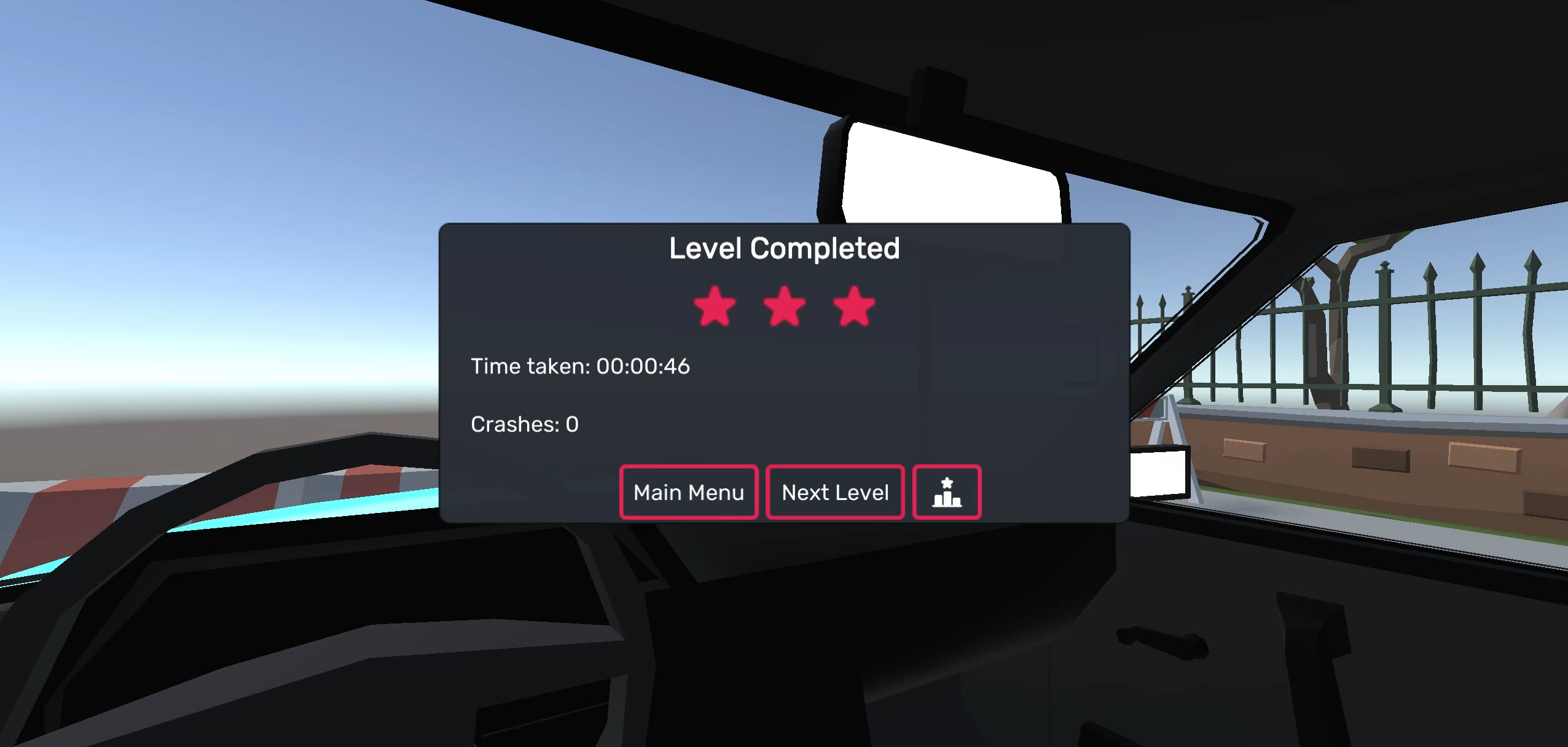
Practice switching between braking and using the handbrake. Holding S (or the down arrow) makes your vehicle brake, but then it auto-reverses, which can drive you out of the bay or, worse, crash into a vehicle or obstacle. Pressing Space lets you pull up the handbrake, rapidly locking the wheels, and keeping you exactly where you need to be without worrying about launching backwards. You can probably understand why the handbrake is our preferred method when it comes to stopping!
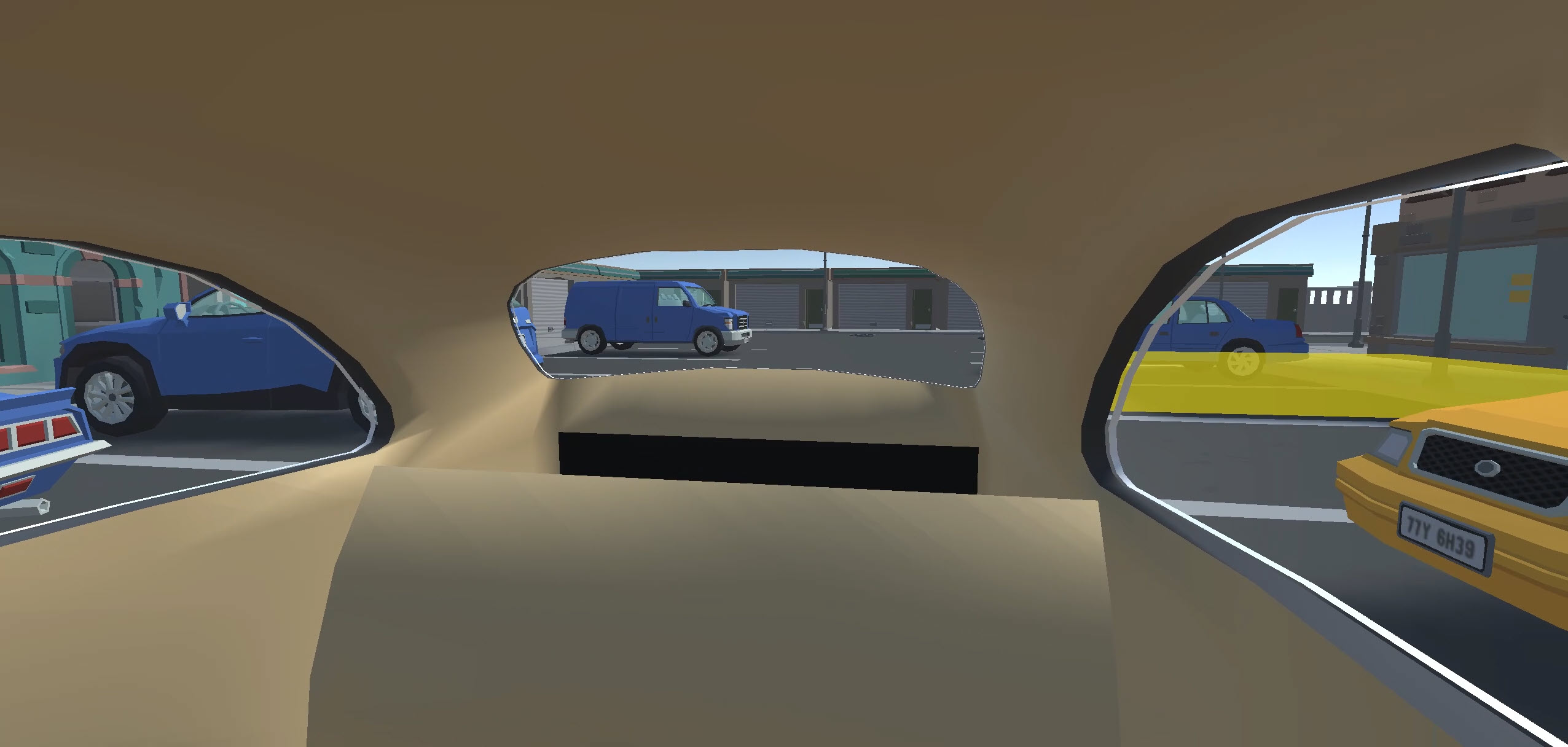
The camera system is the standout feature. Press V to switch between the chase cam, in-car view, hood cam, and bird’s-eye view. In first-person, moving your mouse around lets you turn your head, look around the cabin (like you’re playing a VR game) and scope out the clearance around you, and pressing Shift zooms in for pinpoint accuracy.
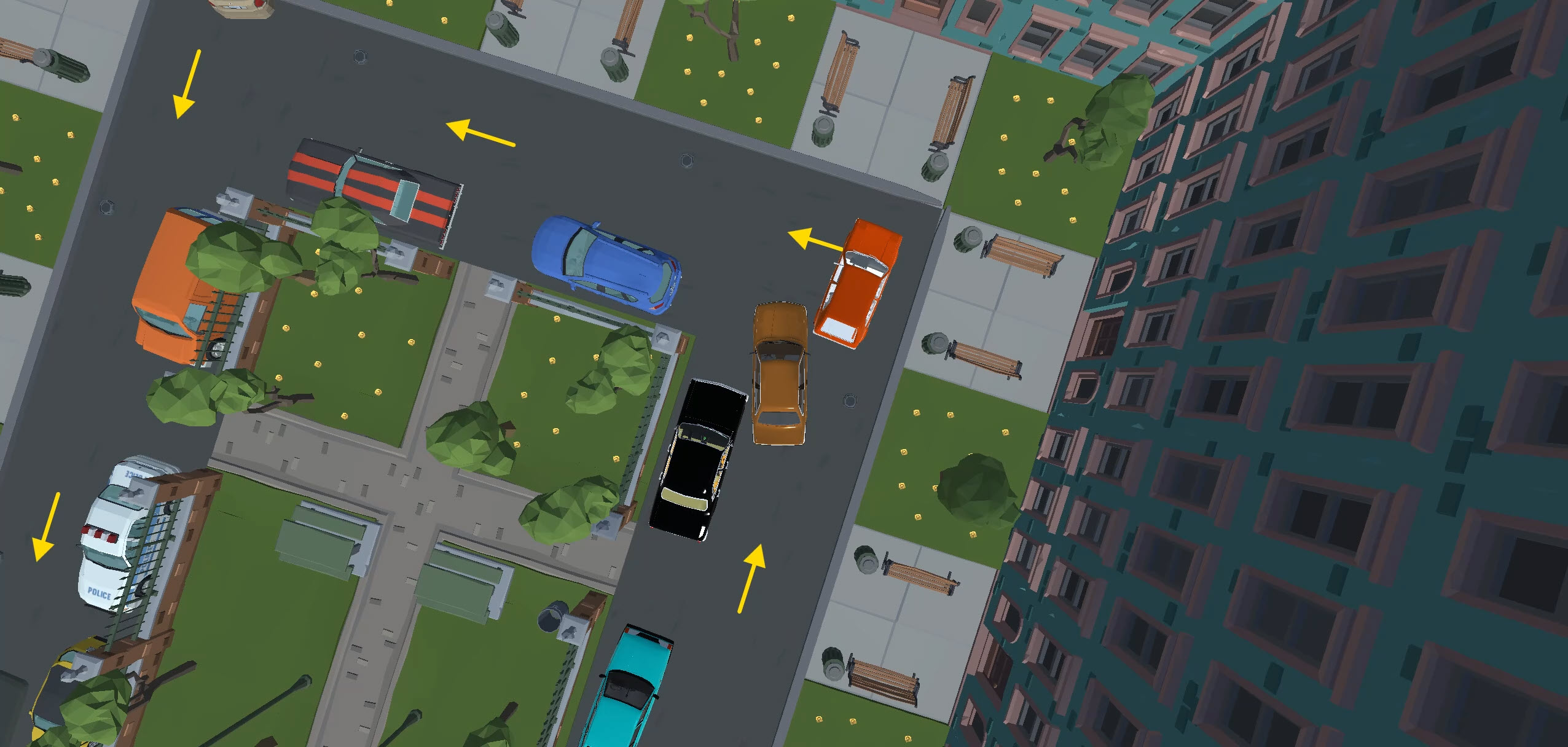
You can even check out the mirrors. The bird’s-eye view works like a retro GTA camera, looking straight down and allowing you to see exactly how much space is around you (though it’s harder to judge speed if you start driving quicker).
Car Parking Simulator is worth a try once you’ve beaten this one, with a similar drive-to-the-spot format, with 25 levels and two vehicles. Or, for something tougher with much bigger vehicles, Bus Parking Simulator 3D triples the vehicle length while upping the ante, where any contact means an instant restart.
Game modes
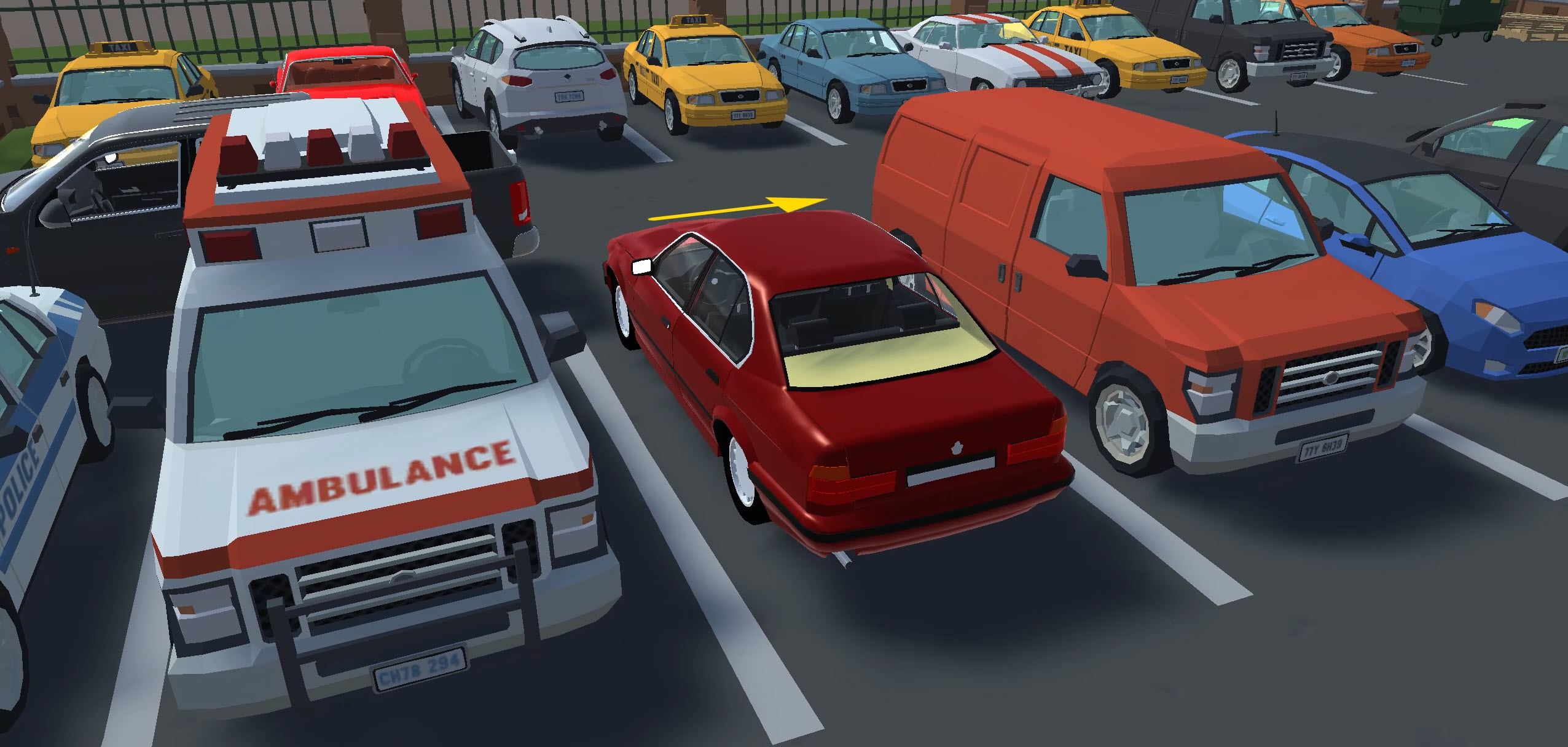
There’s just one mode – level-based parking. Each of the 18 levels has three parking scenarios, and stars are awarded based on how quickly you finish each of them (the quicker you finish, the more stars you earn). The trickier later levels give you more time because the difficulty ramps up with tighter spaces and trickier routes.
You don’t need any stars to unlock the next level. Even if you take twice as long as the three-star target, you’ll still unlock the next one. Of course, three stars on each level will help secure GOAT status among your friends, but it’s completely optional.
Want a different kind of precision challenge? Police Cars Parking is another game that rewards clean parking skills, but with police vehicles, where a single scratch sends you back to the start. There’s also a huge car games selection on the site if you want to look beyond parking.
Vehicle selection
You get to experience a different ride with each new level (admittedly, there’s occasional repetition), and you won’t always know what you’re behind the wheel of if you’re using the in-car view (which adds a nice element of mystery to each run).
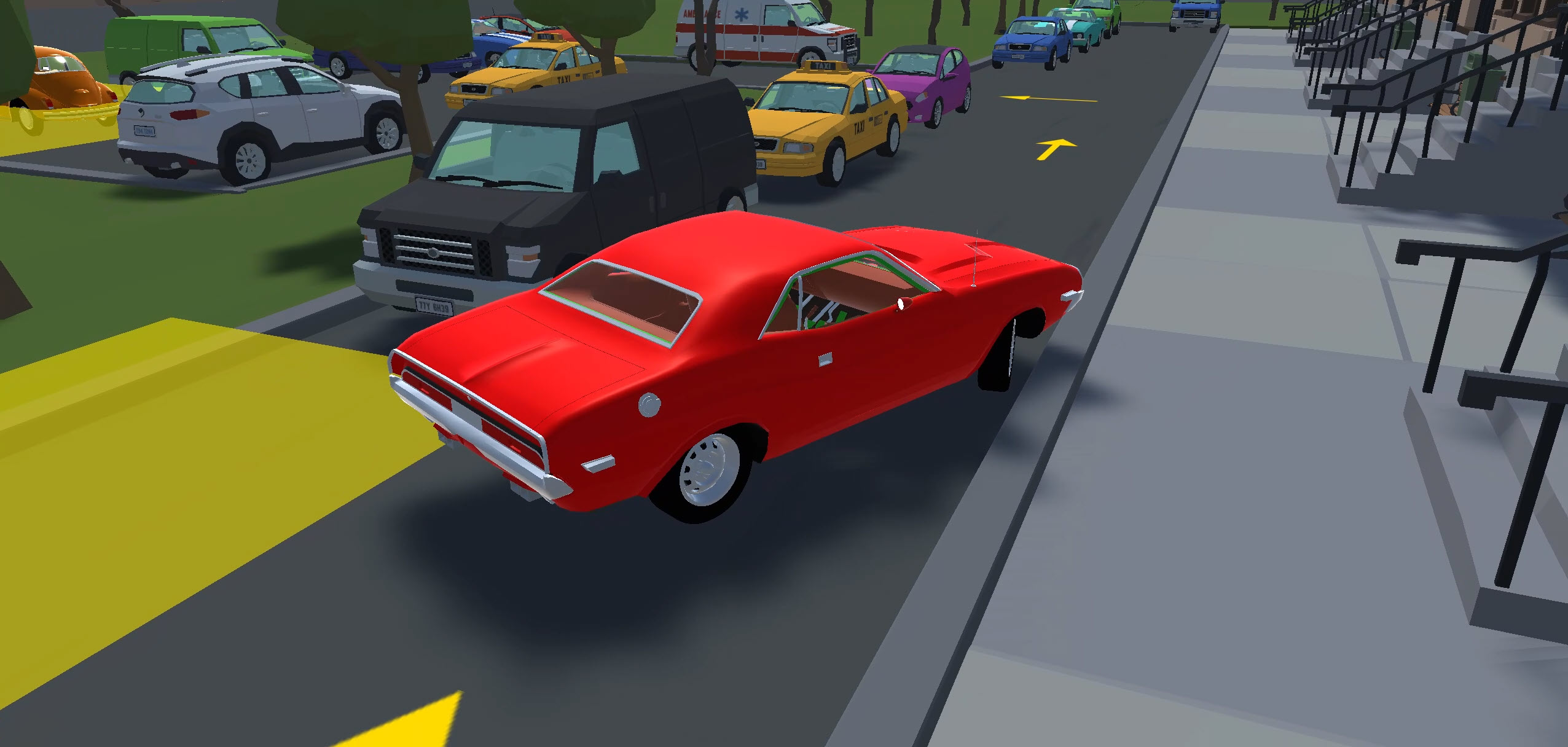
You’ll get to drive nippy hatchbacks, large SUVs and heavy pickups as well as old-school classics, and cool-looking muscle cars as you progress. Some vehicles (especially the muscle cars) are surprisingly wide, so don’t let the excitement of driving them distract you from the fact they’re going to be a tighter squeeze. Try to remember what the goal is here, because it’s definitely not crashing!
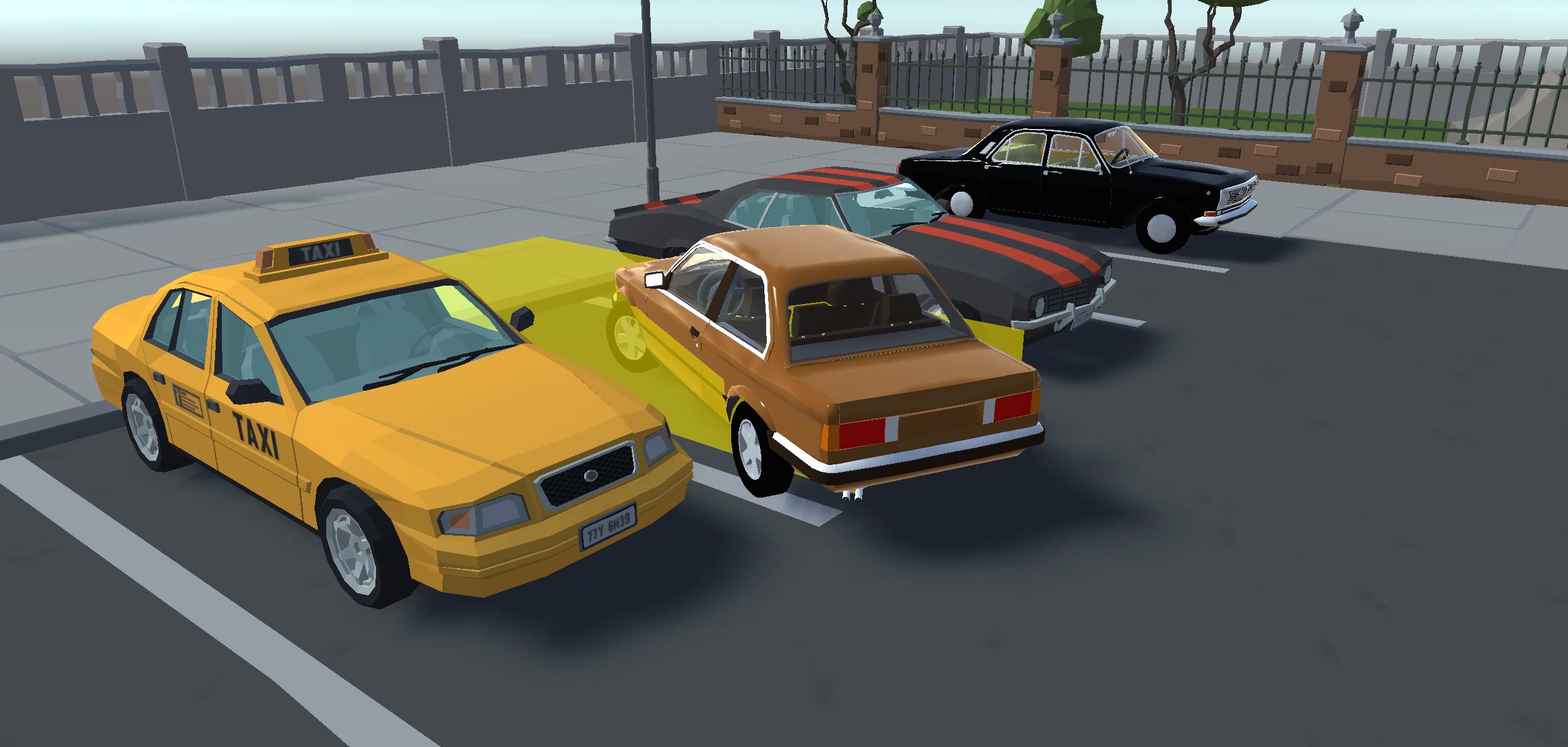
Acceleration is the only stat that matters here, since you’re never going fast enough for top speed to be relevant. Smaller, lighter cars pick up speed quicker than you might expect, which will often catch you off guard approaching the bay.
The bigger, heavier vehicles (even the V8-powered muscle cars) are sluggish to get moving but also take longer to slow down given their weight, so you’ll need to start braking earlier.
If you’re looking for something with a bigger car selection and plenty of tuning and upgrades, Drift Hunters MAX is the ultimate drifter go-to, with 39 cars and enough suspension and engine tuning to keep you busy for months. Force Drift Racing: Aussie Burnout goes even deeper on tuning, where you can choose different tire compounds, diff lock ratios, and individual damper settings across 23 vehicles before slaying the tires in a burnout pit.
Advanced tips & tricks
Use the handbrake to pull off an “emergency stop”
Holding the brake key makes the car reverse once it comes to a stop. You can tap the brake to slow down, then press Space to lock the handbrake when you’re in (or very near) the correct position. This can be a big time saver on tighter time targets, and you don’t need to worry about crashing in reverse, either!
Play around with the different camera angles
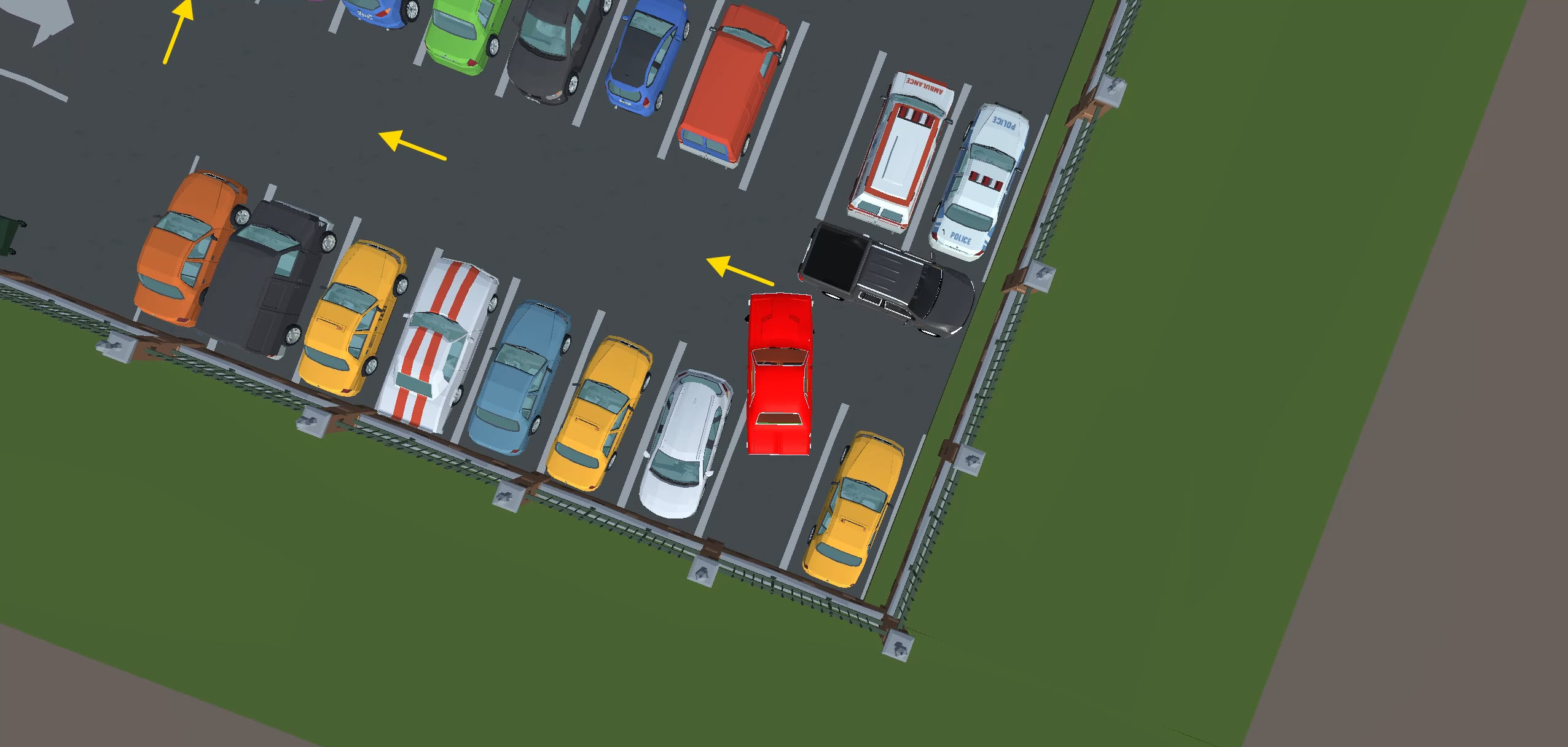
Different situations call for different views. Chase cam is typically best for general situations. However, in-car (especially when combined with Shift to zoom) is great for judging clearance, and the bird’s-eye camera is ideal for seeing exactly how much space is around your vehicle in tight spots. Keep your finger near ‘V’ and switch whenever you need a better angle.
Watch out for misleading arrows in the later levels
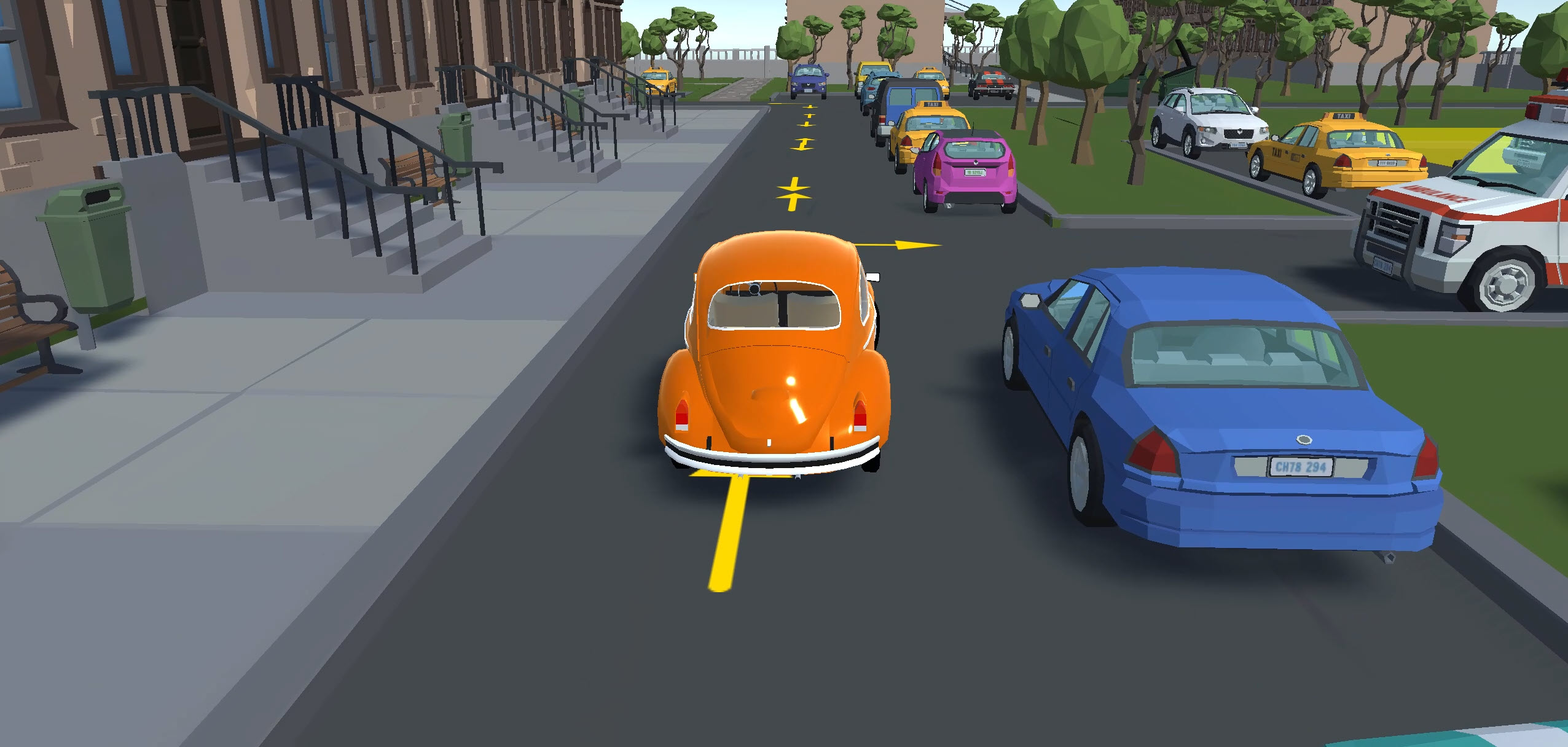
As you progress, you’ll eventually spot arrows pointing in both directions on the road. Look further ahead, and if they loop back on themselves, then you can ignore the ones heading outward and take the turn where they become clearer.
You won’t always be able to rely on the bird’s-eye camera
Some levels have you driving under walkways between buildings, and the bird’s-eye view just sees the roof. So, be sure to switch to the in-car or chase cam whenever you’re heading through any covered areas.
Begin slowing down before you get to the bay
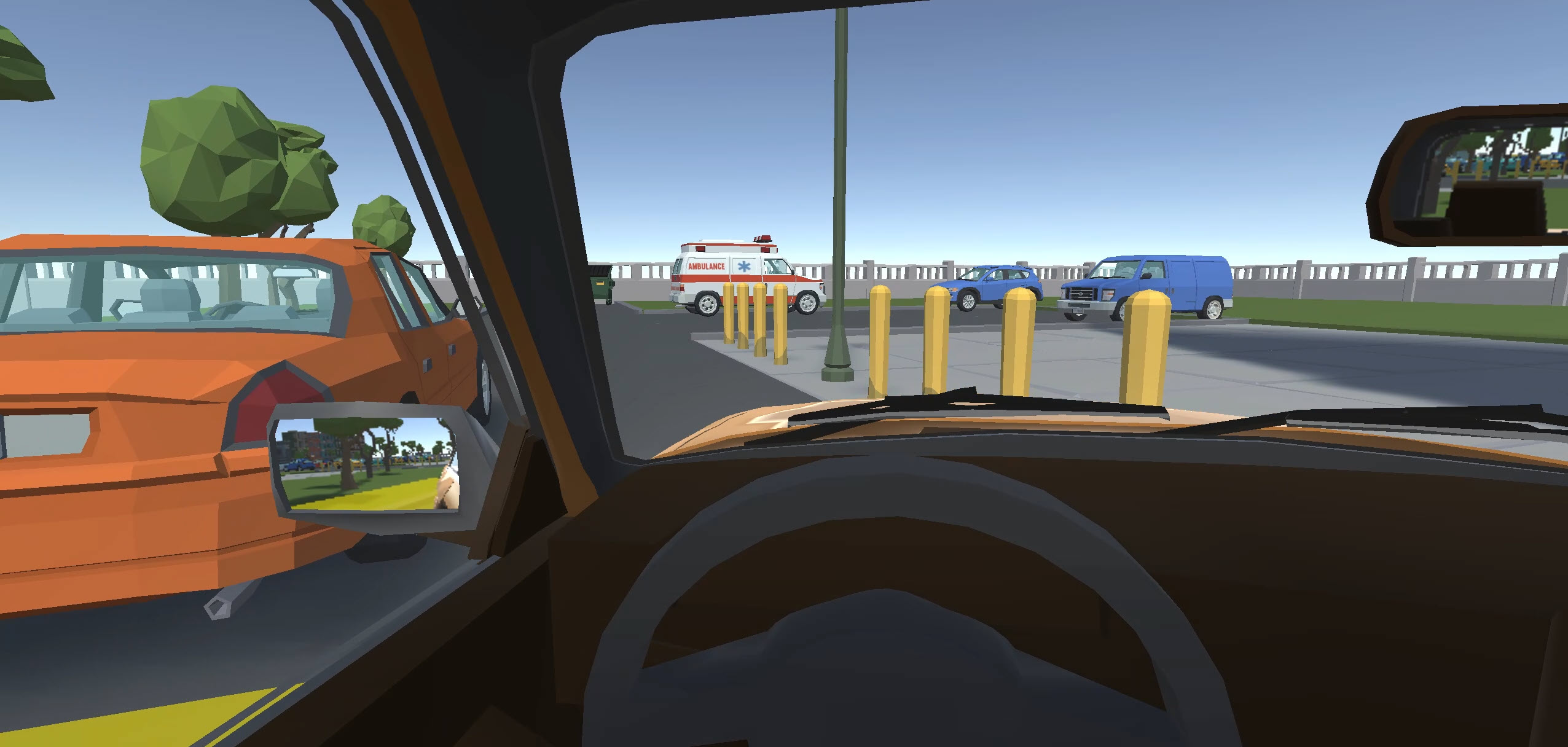
Don’t pin the throttle the whole way and expect the handbrake to save you. It doesn’t bring the car to an immediate stop (especially with bigger cars), so if you’re carrying too much momentum, you’ll skid into the wall. Ease off the throttle early, brake a little as you’re close, and then pull the handbrake to come to a stop.
If the careful parking has you craving something more relaxed that’ll help you further improve your driving skills, Slow Roads lets you cruise freely through scenic countryside roads with no time limits and nothing to crash into.
Or, for a completely different kind of patience-and-control challenge, Drive Mad offers the same different-vehicle-for-each-level as this one, but swaps out the parking bays for 100 increasingly savage obstacle courses.
Parking Master: Urban Challenges FAQ
How many levels are in Parking Master: Urban Challenges?
There are 18 levels, but each has three separate parking scenarios, so there’s 54 individual parking challenges in total.
Do I need three stars to unlock the next level?
Nope. You just need to complete all three parking scenarios in a level to progress, regardless of how long it takes. Stars are purely a brag bonus for GOAT status.
What happens when I crash into something?
Each collision adds five seconds to your total time, but there’s no instant fail and no damage. Don’t panic if you clip something. Just keep going.
Can I choose which car to drive?
The game assigns a different vehicle for each parking scenario (although you’ll notice a few duplicates). Each one handles differently based on its size and weight.
Is Parking Master: Urban Challenges good for learning to park?
Yes. The realistic physics, camera angles, and forgiving penalty system make it a solid choice for practicing bay parking, parallel parking, and spatial awareness. It’s well worth a try if you’re preparing for your driving test.
How do I open the menu during a level?
Press the backtick key (` or ~) in the top-left corner of your keyboard. It confused us, too!
Written by:
Published on:

Joe is an avid writer and car enthusiast. When he’s not cruising the streets alongside his friends in his Nissan Silvia S15, he’s drifting on his VR racing simulator.
Joe’s passion for cars is always on display. With a keen eye for detail and a deep understanding of the automotive industry, he hopes his writing conveys his excitement and knowledge of cars and games.
Joe’s work has been featured on many platforms including drivetribe.com, 180sx.club, carthrottle.com, smartdrivinggames.com, smartbikegames.com, databox.com and ceoblognation.com.
When he’s not behind the wheel or at his keyboard, he’s likely daydreaming of his ultimate ride – the legendary Lexus LFA.
Follow Joe on X.
 Bus Parking Simulator 3D
 Bus Parking Out
 Racing Master 3D
 Highway Traffic
 Racing Limits
 Car Crash Multiplayer